
Modern smartphones have evolved into practical measurement devices, combining responsive motion sensors with clear digital interfaces for everyday technical tasks. A Clinometer Tool App can turn a compatible phone into a convenient instrument for checking tilt, slope, orientation, and angular alignment. For DIY projects, woodworking, home improvement, construction checks, and general positioning tasks, this approach brings several useful measurement functions into a single portable device.
What Does a Digital Clinometer Measure?
A digital clinometer is designed to determine the inclination of an object or surface in relation to a reference position. Instead of relying on a traditional mechanical instrument, a smartphone-based solution uses built-in motion sensors to interpret changes in orientation. The result is a readable digital measurement that can help users identify whether a surface is level, tilted, or positioned at a particular angle.
For practical work, this information can support decisions during installation, alignment, inspection, and adjustment. The measurement process is especially convenient when a dedicated leveling instrument is not immediately available.
Why Sensor-Based Measurement Matters
Smartphone measurement depends heavily on the device’s motion sensors and how effectively the application processes their readings. Stable sensor filtering can make measurements easier to interpret by reducing unnecessary fluctuations while the phone is being positioned.
Calibration is another important part of reliable measurement. Bubble Level provides a one-touch calibration process that allows the phone to be placed against a known flat or vertical reference before taking readings. This helps establish a suitable baseline for subsequent measurements and can improve consistency during repeated checks.
Where Can a Clinometer Be Useful?
Angle and inclination measurement has applications across many everyday projects. A user working on shelving can check whether an installation is properly aligned. During furniture setup, the same technology can help identify uneven positioning. It can also assist with checking slopes, roof pitch, ramps, and other surfaces where understanding inclination is important.
Woodworkers and DIY enthusiasts may use digital angle readings when positioning materials or verifying alignment. Construction-related tasks can also benefit from quick slope and orientation checks, particularly during preliminary measurements or adjustments.
Multiple Ways to Read an Angle
A modern phone level can provide more than a basic bubble indicator. Bubble Level supports measurement through several modes, including full rotational measurement and nearest-angle alignment. These options allow users to approach different tasks according to the type of reference they need.
The app can also display inclination in formats suited to different applications. Degree-based readings are useful when working with specific angles, while slope-oriented measurements can make grading and incline assessment easier to understand.
Visual Guidance Improves Usability
Measurement accuracy is only useful when the information can be interpreted quickly. A clear interface can make a significant difference when users are adjusting an object and need immediate feedback.
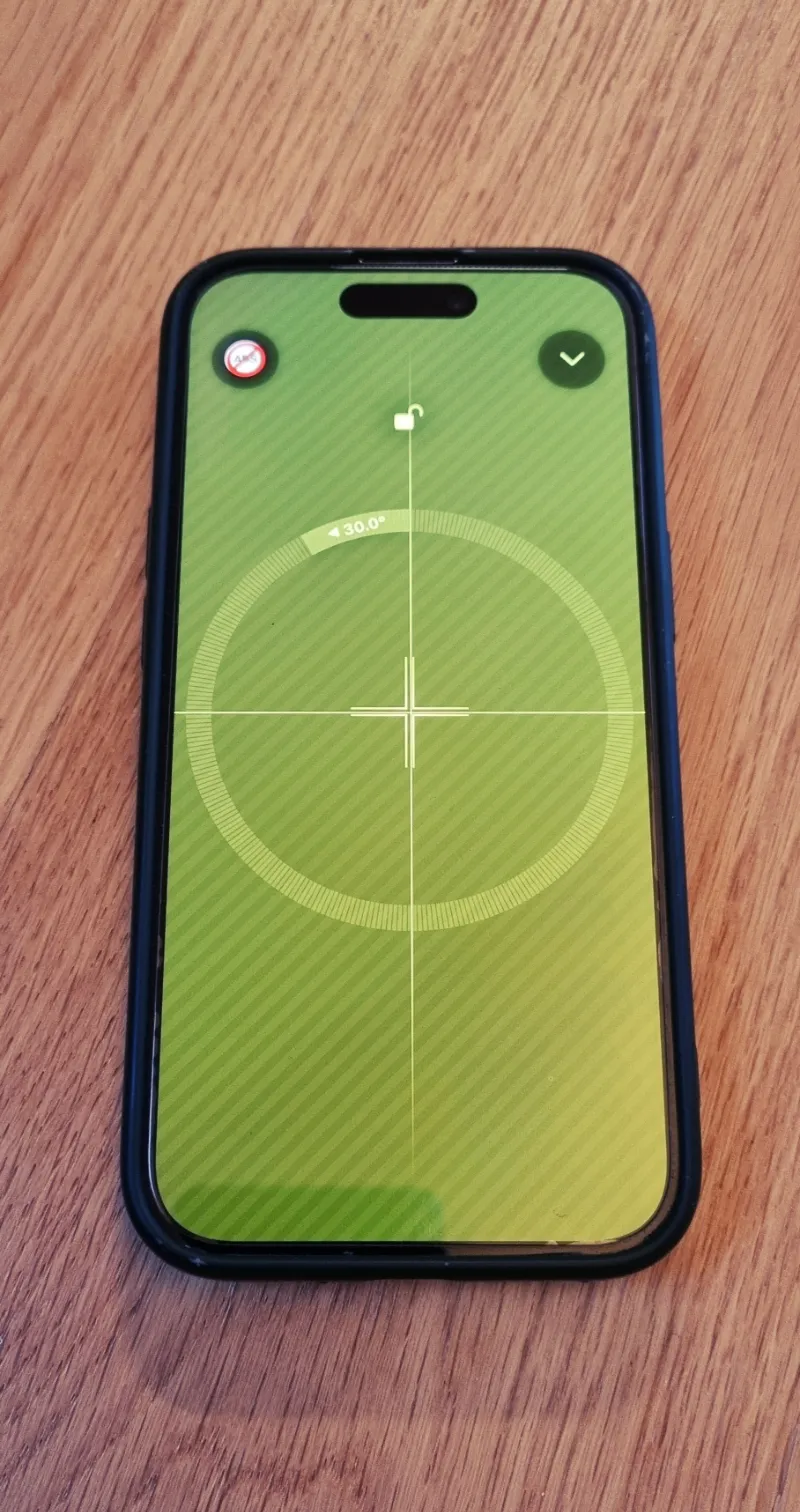
Bubble Level includes guided crosshair alignment for surface leveling, helping users move the phone toward a balanced position. Its visual yaw indicator also provides information about rotational orientation. These features can make the measurement process more intuitive, particularly when fine adjustments are required.
Camera-Based Measurement Is Optional
Not every leveling task requires the camera. Core bubble level and inclinometer functions operate through the phone’s sensors, while optional augmented-reality measurement features can provide additional visual tools when supported by the device.
This separation makes the application flexible. Users can rely on sensor-based readings for straightforward angle checks and activate AR functionality when a visual measurement approach is more suitable.
A Practical Tool for Everyday Measurement
The growing use of smartphone sensors has made digital measurement increasingly accessible. A well-designed leveling application can combine angle measurement, surface leveling, orientation checks, and optional AR tools within one interface.
For users who regularly handle DIY work, home improvement, carpentry, installation, or general alignment tasks, having these functions readily available can simplify preliminary measurements and everyday checks. With calibration, responsive sensors, and clear visual guidance, a smartphone can serve as a practical companion for understanding angles and surface orientation.
